Terminal
This guide explains how to use the terminal in Gradient Notebooks.
Introduction to notebook terminal
Terminals are useful for interacting with the underlying OS environment to perform a variety of tasks such as installing packages, organizing files, and more.
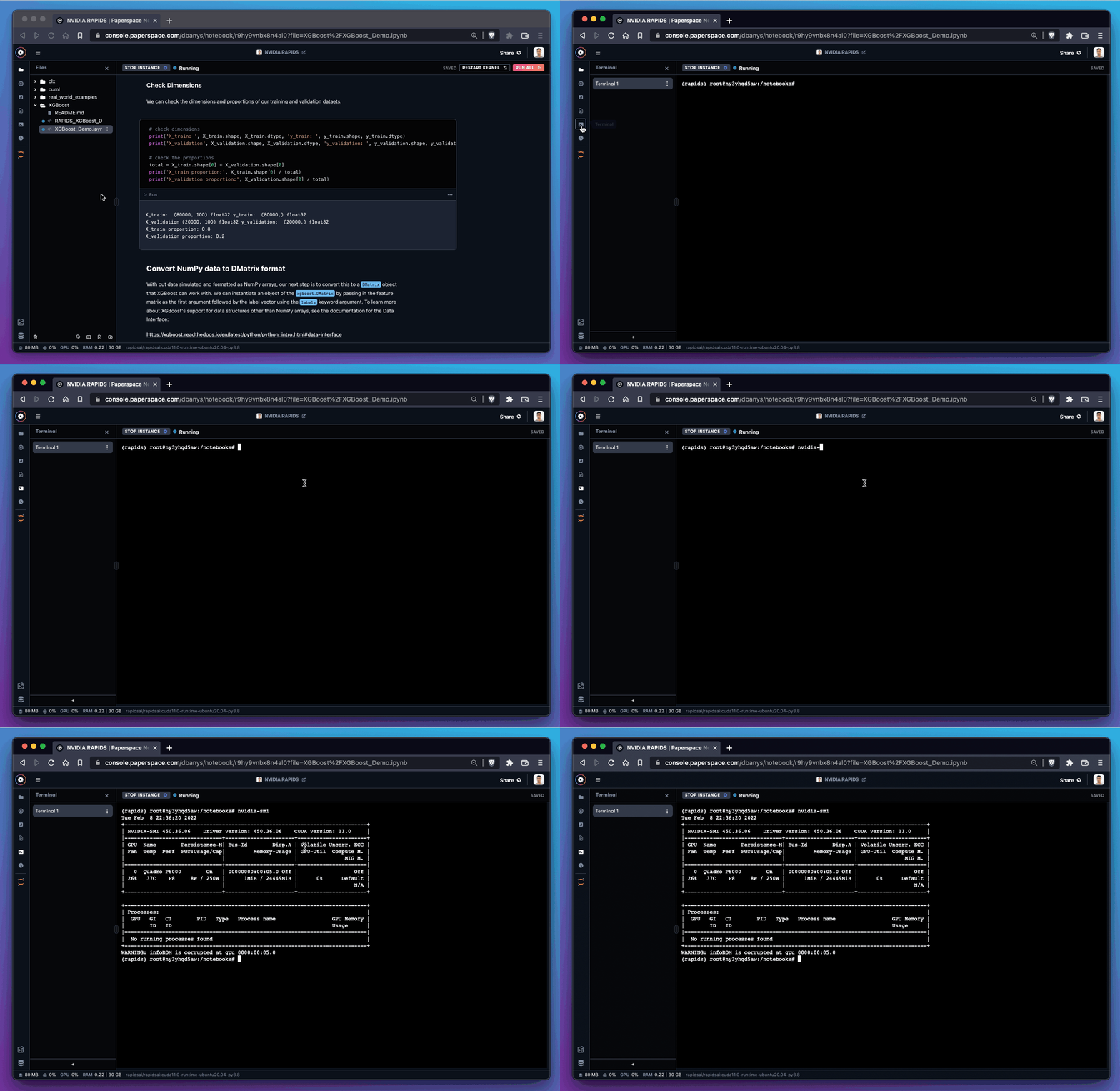
In Gradient Notebooks, the terminal has root access to the underlying machine, which can be useful for a variety of tasks.
How to gain terminal access in Gradient Notebooks
The terminal is currently available to Pro and Growth plan subscribers. Gradient Pricing provides a more detailed description of what else is available on upgraded plans, including superior free instance types and availability, additional storage, and more.
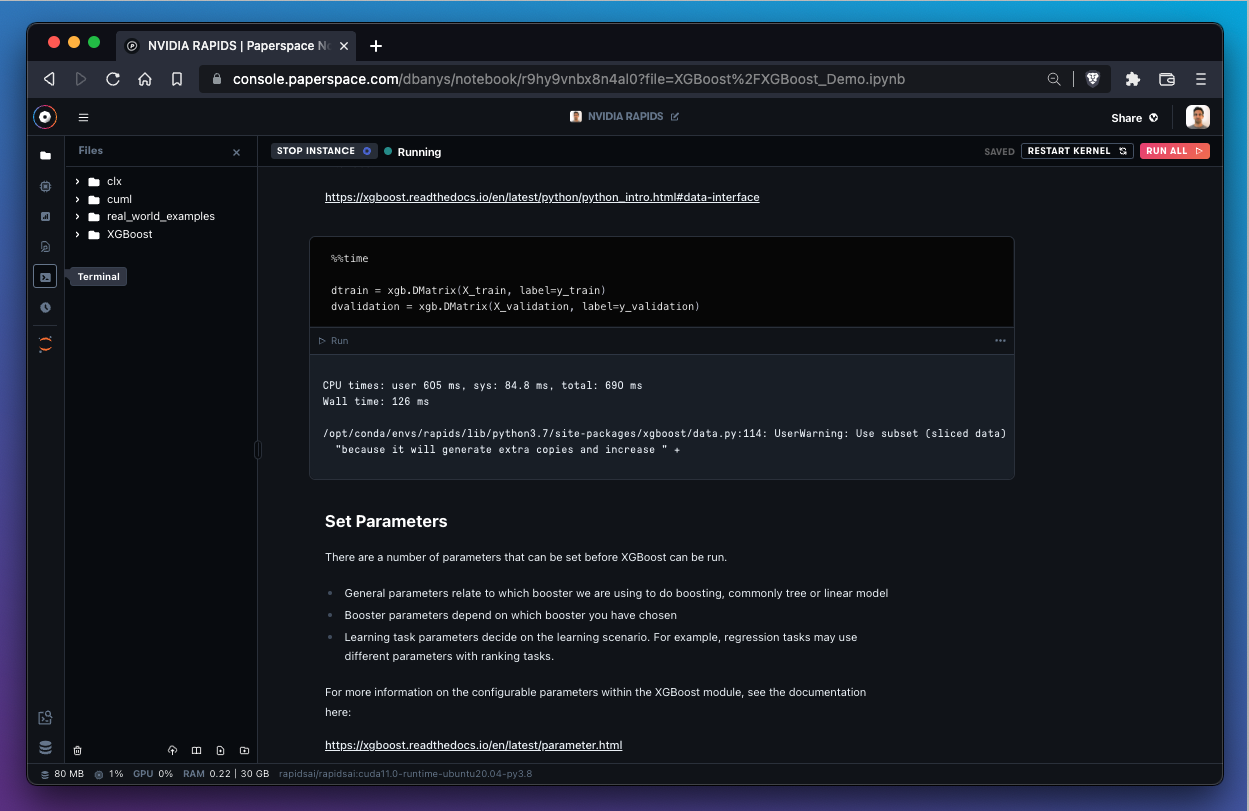
To open a terminal, use the Terminal icon in the sidebar. The notebook must be in the Running state.
To create a new terminal instance, use the + button in the left sidebar.
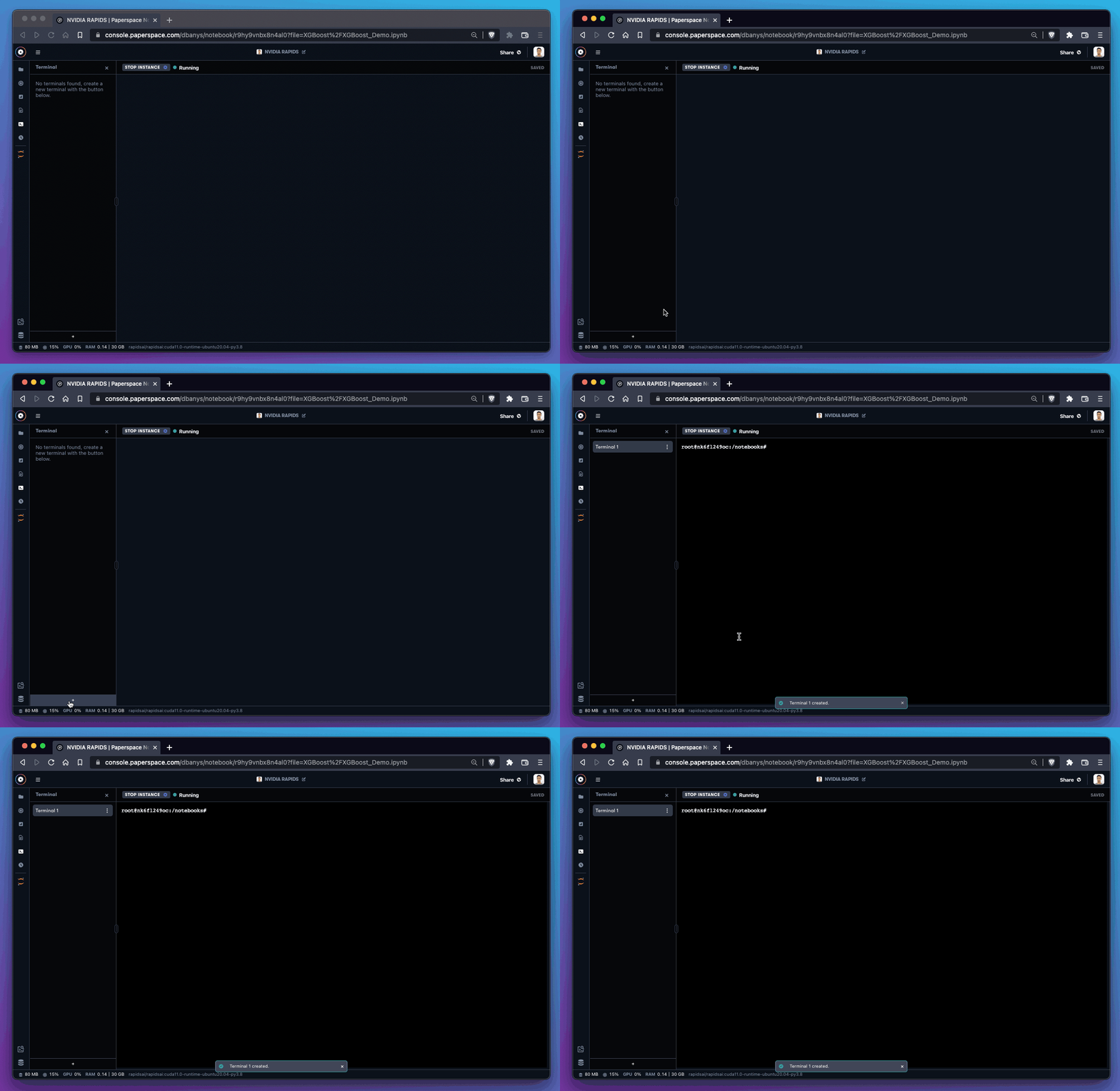
There is no limit on the number of terminal windows that may run simultaneously.
How to use bash in the terminal
Some users report that using bash in the terminal improves their work and reduces unexpected errors.
To use bash, enter the following command in the default shell:
bash
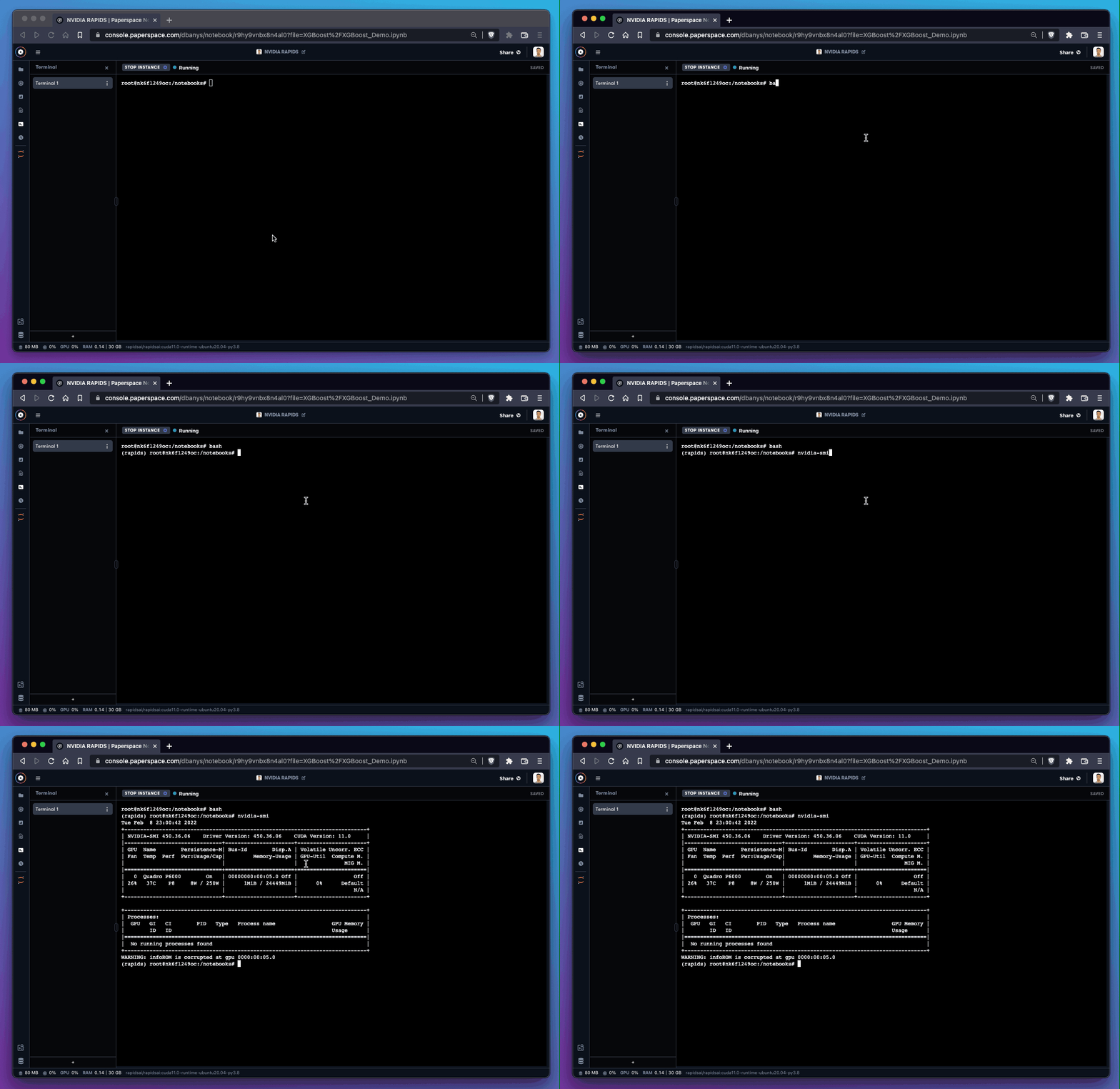
The terminal is now using bash.